Birthdays
 Updated
by
Chris Storms
Updated
by
Chris Storms
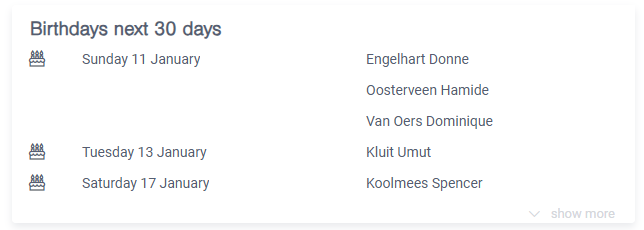
As a personal data administrator, you will see an overview of employees whose birthdays are coming up (within the next 30 days) on your homepage.
Who can see this overview?
For privacy reasons, only personal data administrators can see this overview. They must have access to this information in any case due to their role as HR/personal data administrators. Line managers or other employees do not have access to this information.
Where does the information come from?
The birthday comes from the employee's personal details. For payroll employees, this means the birthday from Payroll, for external employees, the birthday as entered under personal details in HR Self-service.
How can I turn this off?
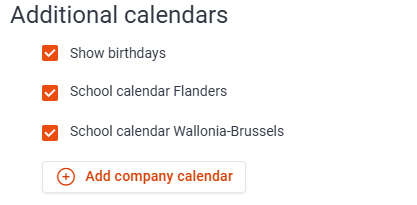
You can turn off the birthday overview.
- Go to the Organisation tab.
- Select General settings.
- Uncheck Show birthdays.